
Sick of watching people bounce off your site like it’s got a “Do Not Enter” sign? You’re not alone. Plenty of business owners think the only fix is a full-blown redesign—time-consuming, expensive, and honestly, overkill. Truth is, you can increase website conversions without redesign by making small changes that actually matter. No coding marathons or design degrees required. Just a few smart moves that get visitors to stop scrolling and start clicking. If your site’s already live, it should be working for you—not just sitting there looking pretty. Let’s make it pull its weight without tearing the whole thing down.
Optimize Your Call-to-Actions (CTAs)
Most people won’t act unless you tell them how. That’s where your CTAs come in. If your site has buttons like “Learn More” or “Click Here,” that’s not enough. Those words don’t say what happens next or why someone should care. You need action words that guide the visitor and make it clear what they’re getting.
Say you offer free quotes, demos, or consultations — then say it straight up: “Get My Free Quote”, “Book a Quick Demo,” or “Start My Trial.” These phrases aren’t vague. They explain the benefit and set expectations.
Also, don’t bury your CTA at the bottom of a long page. People scroll fast and bounce even faster. Try putting one near the top where it’s seen right away, then repeat it after key sections. You’re giving people more than one chance to act without making them dig for it.
Color matters too — but not because of some magic formula about red vs green buttons. It just needs to stand out from your background and other elements on the page. If everything is blue, don’t make your CTA blue too.
If you’re wondering whether something works better in the sidebar, above-the-fold, or mid-article — test it. You don’t need fancy tools for this either: small changes like moving a button up 200 pixels can shift click rates big time.
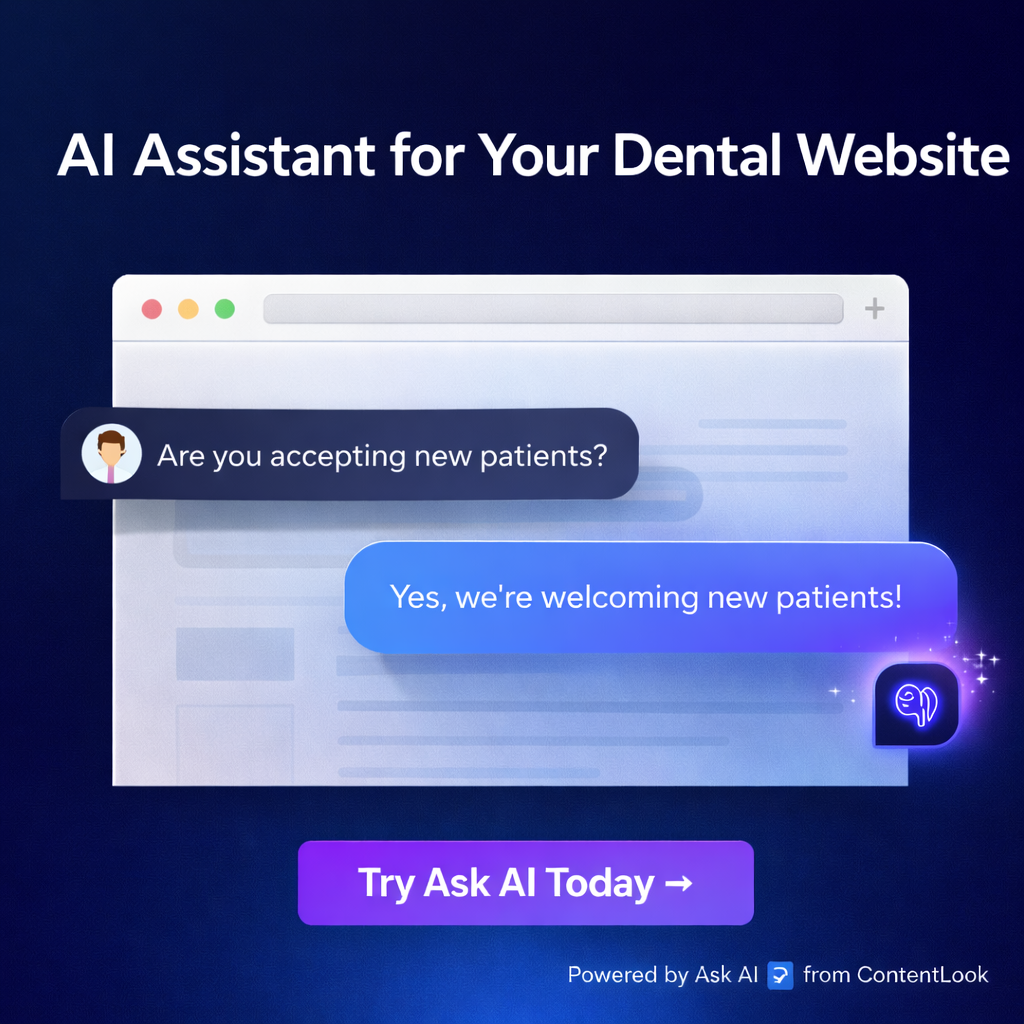
Still seeing visitors leave without clicking? Sometimes they’re stuck with questions no button can answer alone. That’s where Ask AI by ContentLook helps fill in gaps fast — answering real questions using actual content from your site with zero setup needed. It gives users direction when they hesitate and keeps them engaged instead of gone forever.
Your CTAs do half the job; smart support tools handle the rest so clicks turn into actions instead of exits.
Improve Page Load Speed
Slow pages kill interest. People bounce before your site even gets a chance to show what it offers. Every second delay means fewer clicks, fewer signups, and fewer sales. You don’t need a full redesign to fix this. Just speed things up.
Start with Google PageSpeed Insights. It’s free and tells you exactly what’s dragging down your load times—images too big, scripts loading wrong, or fonts that take forever. Fixing these can cut seconds off how long it takes for your page to show up.
Compress images before uploading them. Don’t let one oversized banner ruin everything. Use file formats like WebP that keep quality but shrink size fast. Also, avoid loading all scripts at once—use lazy loading for stuff people won’t see right away.
Mobile isn’t optional anymore—it’s the main way people visit sites now. If your mobile site crawls while loading, users leave without tapping anything. Make sure mobile speeds match desktop or better.
You also need to think about how people use the site once it loads fast enough to stay on it. That’s where tools like Ask AI by ContentLook change the game completely—even without touching design elements or layouts.
This tool reads only real content from each page—not menus or footers—and gives instant answers when someone has a question. No training required and no weird guesses—it only uses actual words already on the page so nothing sounds made up.
If someone lands on your product page but doesn’t know which option fits their needs best, they get help right there—without clicking away or waiting for an email reply later that day.
Fast load time keeps them around longer; quick answers convince them faster.
That combo increases conversions quietly but effectively—with zero layout changes needed at all.
Use Trust Signals Strategically
Most websites fail to convert because people don’t trust them. It’s not about design or colors. It’s about proof. Visitors want signs that your business is real, safe, and worth their time. They won’t click the buy button just because a page looks clean.
Start with customer testimonials. Real quotes from buyers matter more than polished taglines. Drop them near your call-to-action buttons or product info. Don’t bury them on a separate page no one visits. Make sure they’re short and focused on results or experience.
Next, show third-party reviews if you have any—Yelp, Google, Facebook ratings—anything that didn’t come from your own team. These signals carry weight because people trust outside opinions more than what you say about yourself.
Security badges also help push visitors over the edge when they’re unsure whether to take action. If you collect payments or personal data, show SSL certificates clearly near forms and checkout sections—not hidden in the footer.
Here’s where most businesses get stuck: answering questions fast enough to keep people engaged before they bounce off the site confused or skeptical. That’s where Ask AI by ContentLook comes in strong without needing a full redesign of your site layout or structure.
It reads what’s already on your pages—real content only—and gives instant answers to visitor questions using that exact material. No confusing setup, no manual uploads, no hallucinations like other tools give you. This helps build trust right away because users feel heard and understood based on what you’ve actually written—not vague guesses.
Trust grows when confusion disappears quickly and clearly.
You don’t need fancy animations or new templates for this kind of improvement—you just need clarity backed by proof from others and tools that speak directly from your content without extra effort from you.
Keep these elements visible where decisions happen—not tucked away—and let proof do the talking so people can act faster without second-guessing everything they see on screen.
Refine Copy and Answer Questions Instantly
You don’t need to rip your site apart to get more people clicking, buying, or signing up. Most visitors aren’t confused by your layout — they’re stuck because they can’t find answers fast enough. They hesitate, then bounce. That’s where content comes in. Not flashy banners or fancy sliders — just words that do the job.
Start by looking at key pages: homepage, service pages, and contact page. Cut anything that sounds like filler. Remove buzzwords no one uses in real life. Keep sentences short and direct. If a sentence doesn’t explain something useful or lead someone closer to action, delete it.
Next, fix the gaps most owners miss — the ones where people have questions but can’t find answers without digging through three menus and two blog posts.
This is exactly where Ask AI by ContentLook changes things fast with zero hassle. It reads your actual website content and gives instant answers to visitors’ questions using only what’s already there — no uploads or training needed. That means you don’t have to rewrite everything or hire someone new just to make your site smarter.
There’s no code setup either — drop it in and it starts working right away on real page content (not on footers or headers). Visitors ask; it replies with real info from your own site copy. No guessing games or made-up nonsense.
People stick around when they get what they want quickly without clicking ten times for it. Better responses mean fewer missed chances for a lead, call, sale — whatever counts as a win for you.
If you’re not ready for a full redesign (and who has time?), this kind of tool makes small fixes count big without blowing up your current setup or budget.
Small Tweaks, Big Wins: Unlocking Conversion Potential Without a Redesign
If you think boosting conversions means tearing your site down and starting from scratch, think again. By sharpening your CTAs, speeding up load times, and placing trust signals where they matter most, you can create a smoother path to action—without touching the design. And if visitors bail because their questions go unanswered? That’s where Ask AI by ContentLook steps in. It delivers instant, accurate answers straight from your content—no setup headaches or hallucinated responses. When clarity meets speed, conversions follow. Sometimes the smartest move isn’t a redesign—it’s just getting smarter with what you’ve already got.